
Delete the account record
In openZro, the account record is the per-tenant container in the management server's database that owns your peers, users, groups, policies, network resources, and routes. Deleting it through the dashboard removes that record and all of its associated data — but it does not uninstall openZro itself. The management server keeps running and is ready to create a fresh account on the next IdP login.
To delete the account, you must be signed in as a user with the owner role. If you aren't the owner, ask the owner to do it.
This action is irreversible. Once the account is deleted, all associated data — peers, users, groups, policies, routes, network resources, audit log, flow exports, MDM/EDR integrations, posture-check definitions — is permanently gone. There is no recovery from this side; you'd have to restore the management server's database from a backup.
Steps
-
Open
Settings→Danger Zone. -
Review the warning. Click
Delete Account.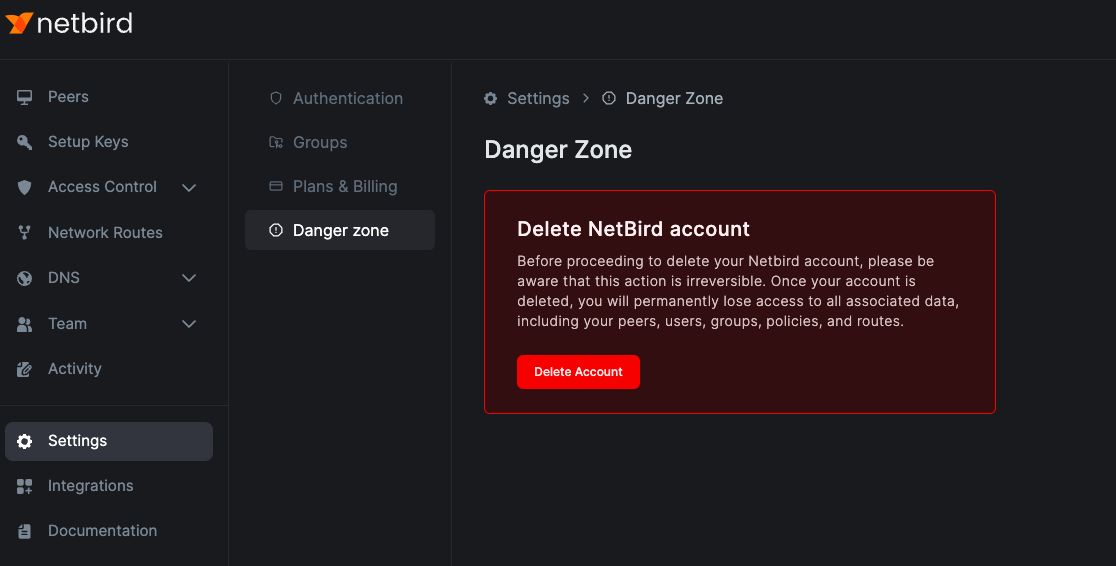
-
Confirm by clicking
Delete.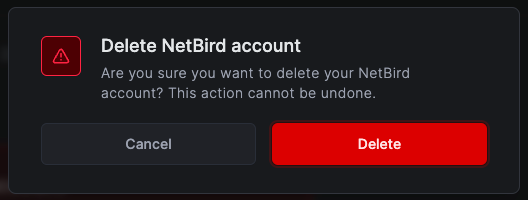
After deletion, your session ends and you're redirected to the login page. If you log in again, a fresh account record is created automatically.
What about the management server itself?
To uninstall the management binary and tear down the deployment entirely (database, configuration, certificates), see Remove openZro under self-host maintenance.
Get started
- Star openZro on GitHub
- Latest release notes