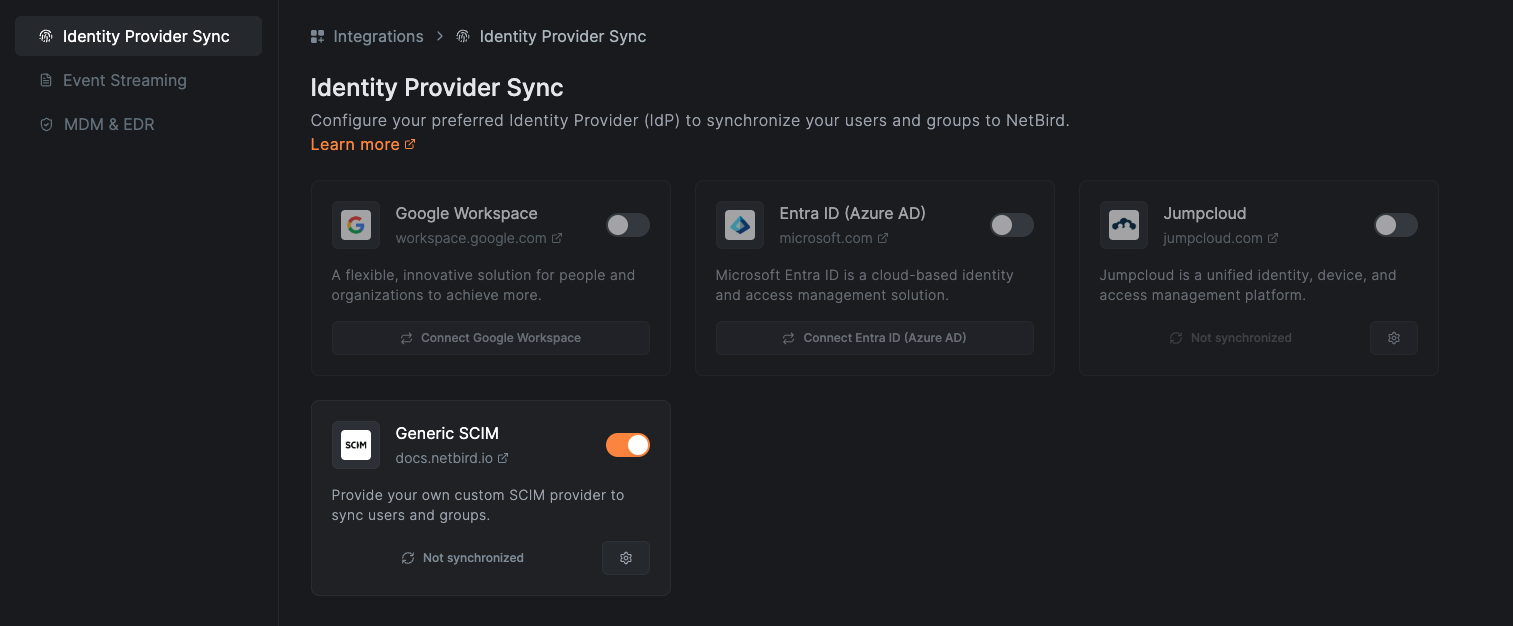
Provision Users and Groups From Your Identity Provider
Managing private network access in a business environment is a critical yet often cumbersome task. As companies grow and evolve, the manual process of granting access for new employees and revoking it for departing ones becomes increasingly time-consuming and error-prone. This challenge strains IT resources, poses significant security risks, and impacts productivity.
openZro's IdP-Sync automates user access management to private networks by integrating with your identity provider (IdP) and automatically provisioning users and groups. This integration ensures that changes to groups and users are synchronized from your identity provider to openZro, granting appropriate network access to new users and immediately revoking access for departing employees.
openZro allows you to use synchronized groups to create access control policies, or update network configurations like DNS, eliminating the need for manual grouping.
IdP-Sync is implemented end-to-end in openZro and ships in the same binary as the rest of the management server — see the SCIM 2.0 server in the core repo. There is no cloud-tier or licensing gate.
This video guide walks you through an example integration with Microsoft Entra ID, covering both user onboarding and offboarding scenarios:
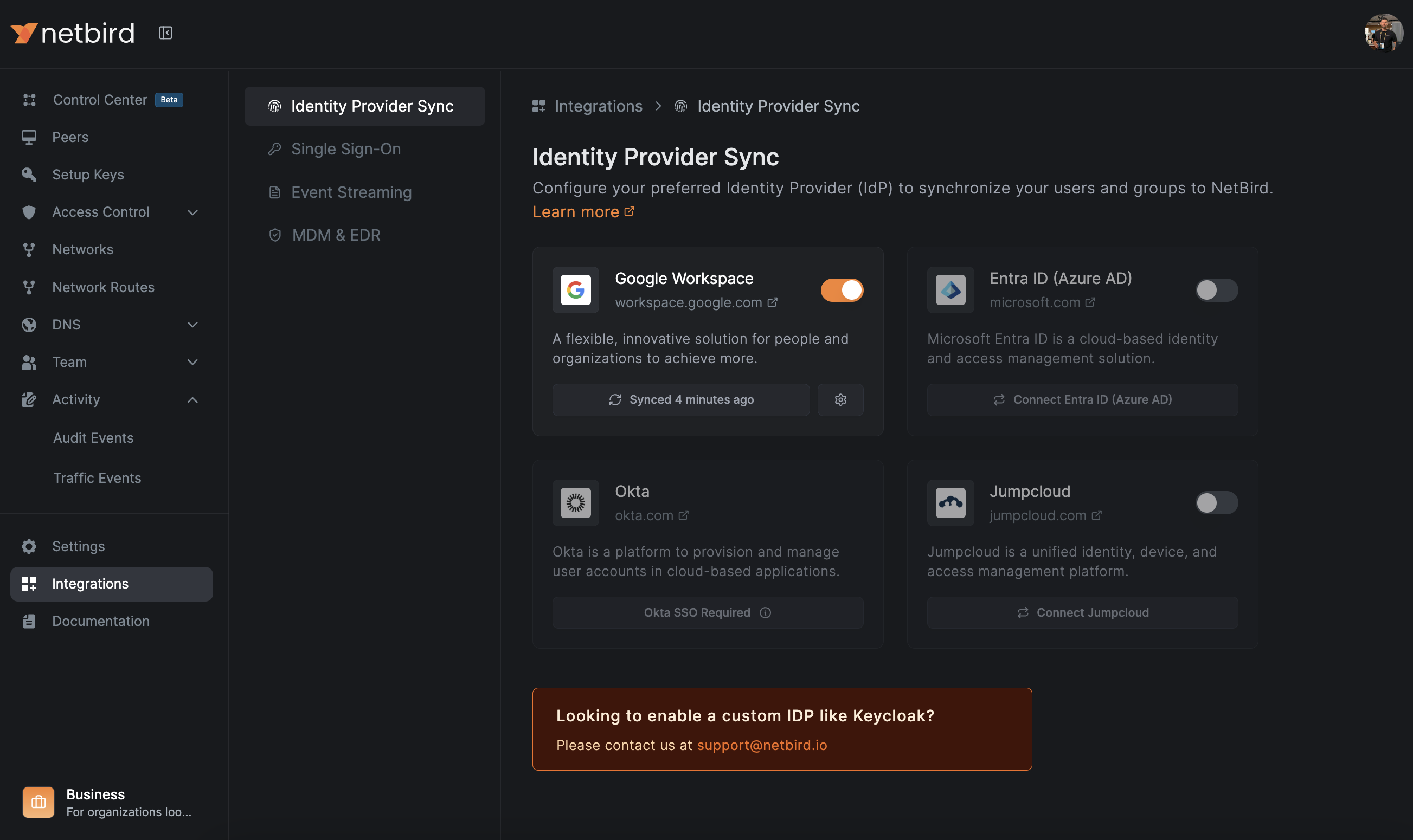
Supported Identity Providers
The openZro management binary ships native sync drivers for 8 IdPs
under management/server/idp/:
| Provider | Walkthrough | Native sync driver |
|---|---|---|
| Microsoft Entra ID (Azure AD) | API · SCIM | azure.go |
| Okta | API | okta.go |
| Google Workspace | API | google_workspace.go |
| JumpCloud | API | jumpcloud.go |
| Keycloak | API | keycloak.go |
| Auth0 | TODO walkthrough | auth0.go |
| Authentik | TODO walkthrough | authentik.go |
| Zitadel | TODO walkthrough | zitadel.go |
Generic SCIM
For any IdP not in the list above, use the SCIM 2.0 server that openZro exposes natively. The IdP-Sync side only requires the provider to push SCIM events at the openZro endpoint — no openZro-side driver is needed.