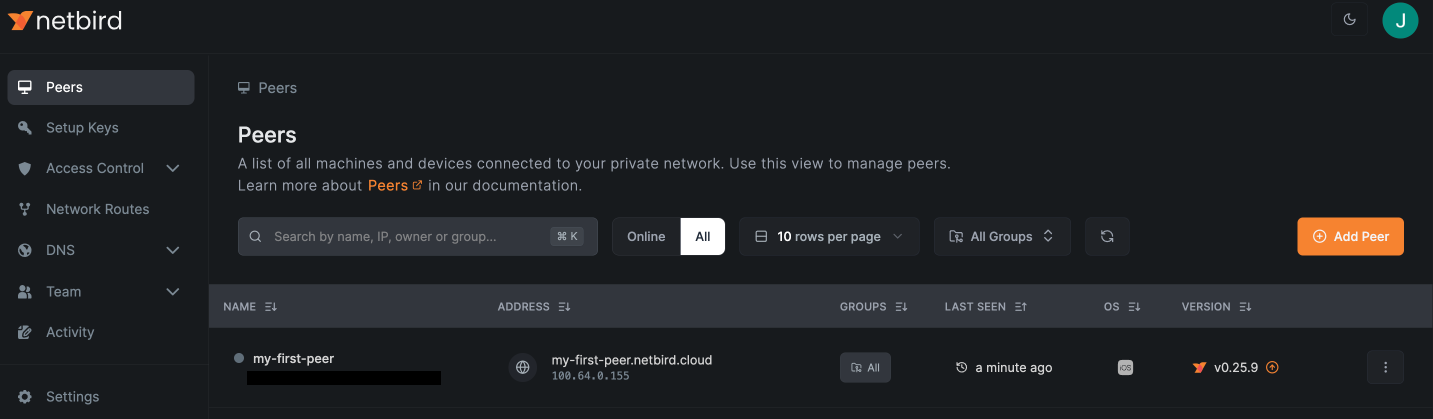
Add peers to your openZro network
Whether you have a network for personal use or manage your company's corporate network, you'd probably want to add machines (or peers in openZro's terms) to your network.
An openZro peer is any machine that runs the openZro agent and is connected to the network — a virtual machine running in AWS, GCP, or Azure; a personal laptop on Linux, macOS, or Windows; a single-board computer like a Raspberry Pi; a Docker container; a pfSense or OPNsense gateway; or any other host that can run the openZro client.
Use openZro web UI to add new peers
To add a new peer to your network follow these steps:
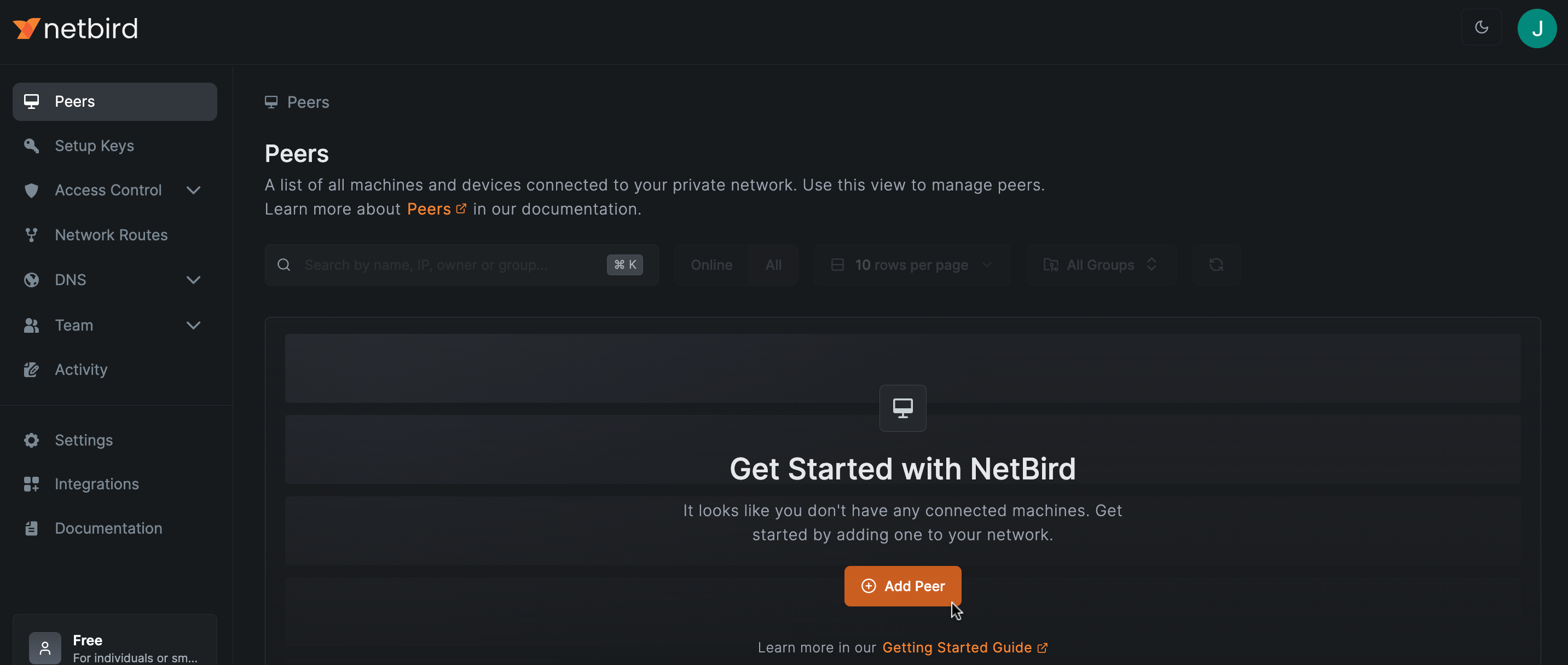
- Sign-in to your openZro deployment at https://your-management.example.com/ and go to the Peers tab.
- Hit
Add Peerbutton
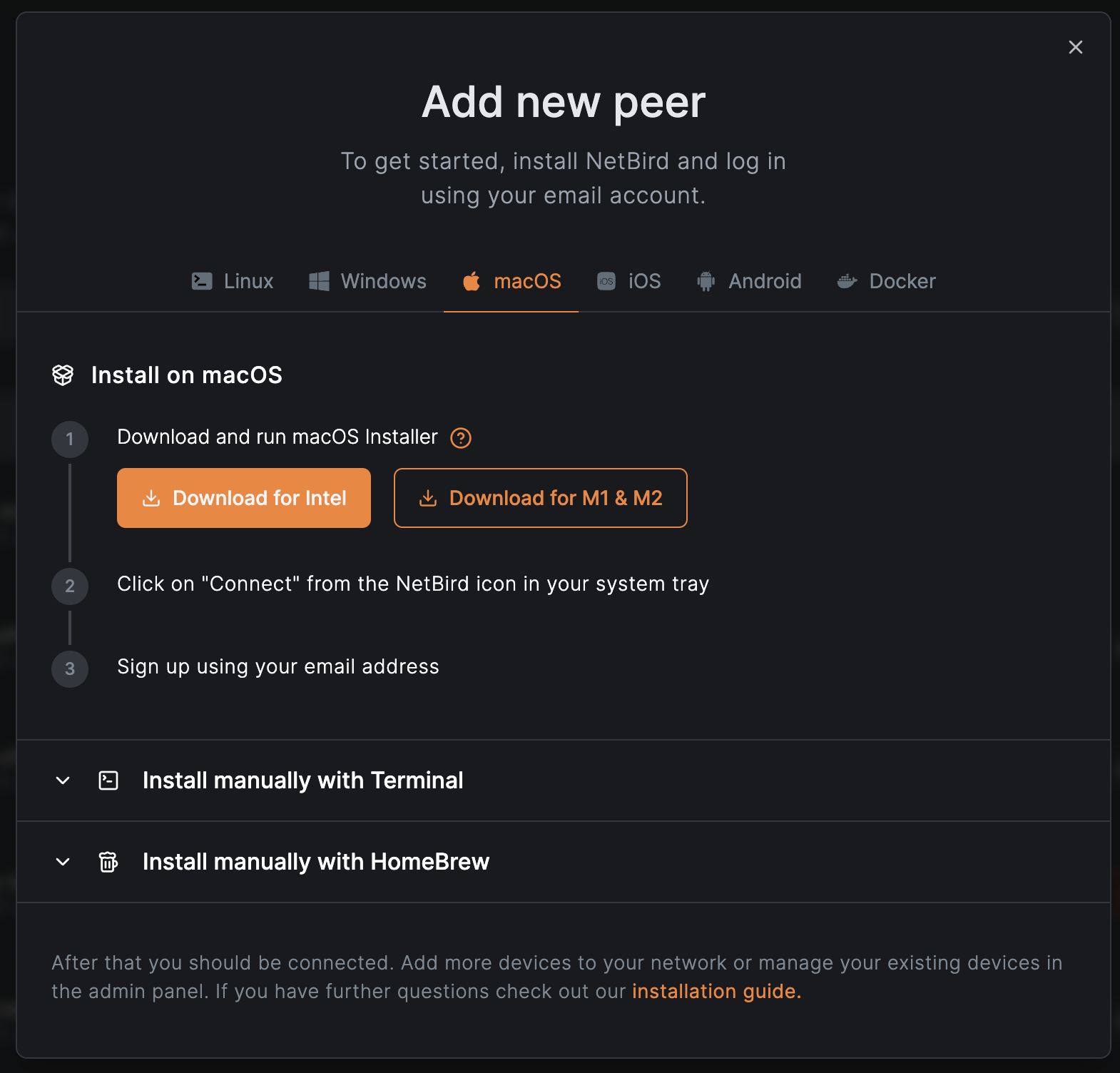
- Follow the instructions
- Refresh the Peers tab, and it will display new machines